Revision B is now linked to the work package.
Drawing P-301 · Rev BTHE CONNECTED WORKSPACE FOR CONSTRUCTION
Run the company.
Connect the field.
Plan the project, coordinate the team, control drawings and resources, scan the physical jobsite and bring every field update back to one trusted record.
30 days free · No card required to create an account

Plan2Field in actionInteractive example · sample data
PROJECT MANAGERDraft activity
Paint Level 3 corridor
Define the scope, assign people and set the goal for the day.
- Planned work
- 120 m²
- Workers
- 3 painters
- Today’s goal
- 40 m²
- Work area
- Level 3 East
Explore the example without creating an account.
A plan in the office.
Clear work in the field.
Named workersChecked resourcesMeasured progress
A MICROSOFT TEAMS–STYLE WORKSPACE, BUILT AROUND THE JOB
Communication that
belongs to the work.
Plan2Field combines team coordination with construction controls. A room is not just a chat: it can belong to a project, activity, area, drawing, material or tool.
ACTIVITY ROOM · PAINT LEVEL 3
Everyone sees the same work context.
North corridor needs patching before primer.
Area tag L3-N · Photo attachedWork needs attention. Review the field condition and assign the next action before release.
Guidance only · no work changed automaticallyFROM “WHAT’S NEXT?” TO READY WORK
Keep the handoff
connected.
The schedule, the crew and the daily report share the same activity. Everyone gets the context they need to act.
Plan & assign
Add work or import a schedule. Choose a location, quantity and named workers—with a full day or a planned time window.
Prepare & release
Check access, references, materials and tools. Release the activity when its requirements are ready.
Work & report
Review the day’s JHA. Start, pause, save production or report exactly what is stopping the work.
Review & adjust
Use production, notes and photos in the Daily Log. Resolve blockers and prepare the next day.
Something missing?Field reports itPM assigns the next actionThe crew sees the response or an approved alternative
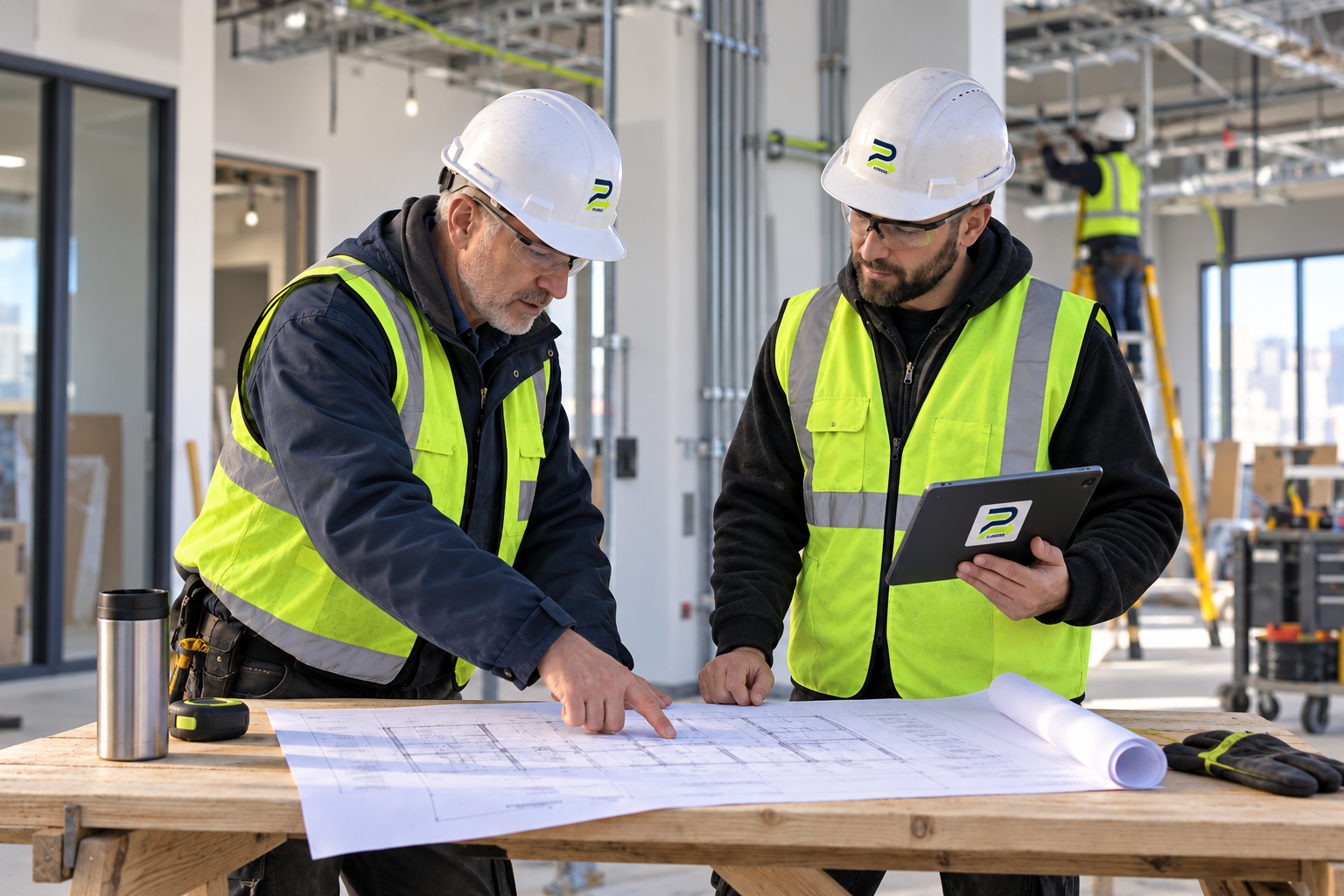
The activity is the connection.
Drawings, people, resources and progress stay with the work they belong to.
Illustrative brand concept; not a customer photograph.YOUR TRADE. YOUR WAY TO MEASURE.
Built around
the work you do.
Plan rooms cleaned, m² painted, fixtures installed or your own unit. Start with one of 15 optional work examples and adapt it to your scope.
Plan your first activitySelect a trade to try its example in the demo.
See all 15 work examples
Site cleaning · Painting & coatings · Drywall & ceilings · Electrical · Plumbing · HVAC & mechanical · Carpentry & framing · Flooring & tile · Landscaping · Masonry · Earthwork & civil · Concrete & formwork · Roofing & waterproofing · Demolition · Inspection & punch list.
Examples suggest a starting point. You confirm quantities, people and resources.
FEWER LOOSE ENDS IN THE DAY
Answers where
the work happens.
One person. A planned day.
Painting in the morning, cleaning in the afternoon. Share workers across activities while checking for overlapping assignments within the project.
Know what is ready to use.
Keep ordered, received, reserved and used quantities separate. PM can approve a sequence of deliveries while the remaining need stays visible.
Coordinate like Teams—inside the project.
Keep messages, decisions and attachments beside the project, activity, area, drawing, material or tool they belong to. Crew-only rooms remain scoped to that crew.
Carry one activity from plan to closeout.
Documents → takeoff → estimate → schedule and resources → Field and closeout. A newer linked revision requires PM review before starting; recorded progress is preserved.
Record once. Review together.
Save the day’s actual quantity, notes and photos with the activity. Lead reviews the Daily Log and PM finalizes the report.
Give the problem a next step.
Respond with a responsible person and next action. Create linked correction work while preserving the original production record.
Follow a question to its resolution.
Keep technical questions, submittal reviews, inspections and corrections linked to the activity, with a responsible person, due date and review history.
Compare the estimate with recorded work.
Build line-item estimates with quantities, units and rates; link approved takeoffs when applicable. Compare recorded crew-hours and direct costs; financial details stay with the PM.
See what has reached the cloud.
Separate confirmed saves from drafts and photos waiting to send. Review conflicting totals before replacing them.
Turn every discussion into accountable work.
Keep project reports, meeting commitments, client updates, subcontractor coordination and risks beside the activity they affect—with an owner, due date, impact and history.
Keep commercial decisions controlled.
Record contract summaries and bid or proposal reviews with their references, supporting documents and potential cost or schedule impact. Commercial records remain private to PM.
THE PHYSICAL JOBSITE, CONNECTED
Scan the object.
Understand the work.
A Plan2Field tag can open an activity, work area, tool, material or current controlled document. The account is verified first, so the person sees only the record their role is allowed to use.
- Scan the tagOpen the exact physical object, area or work record—not a generic home screen.
- Understand the contextSee its state, current conversation, linked documents and what requires attention.
- Act and confirmOpen the legitimate next action. AI explains; the authorized person still confirms every real change.
Plan2Field tag package with your first paid month.
Free account creation does not qualify. Label quantities, materials and delivery arrangements are confirmed directly before payment.
See the pilot offer →Tool custody records the last confirmed person, condition and location. Tags do not provide GPS tracking.
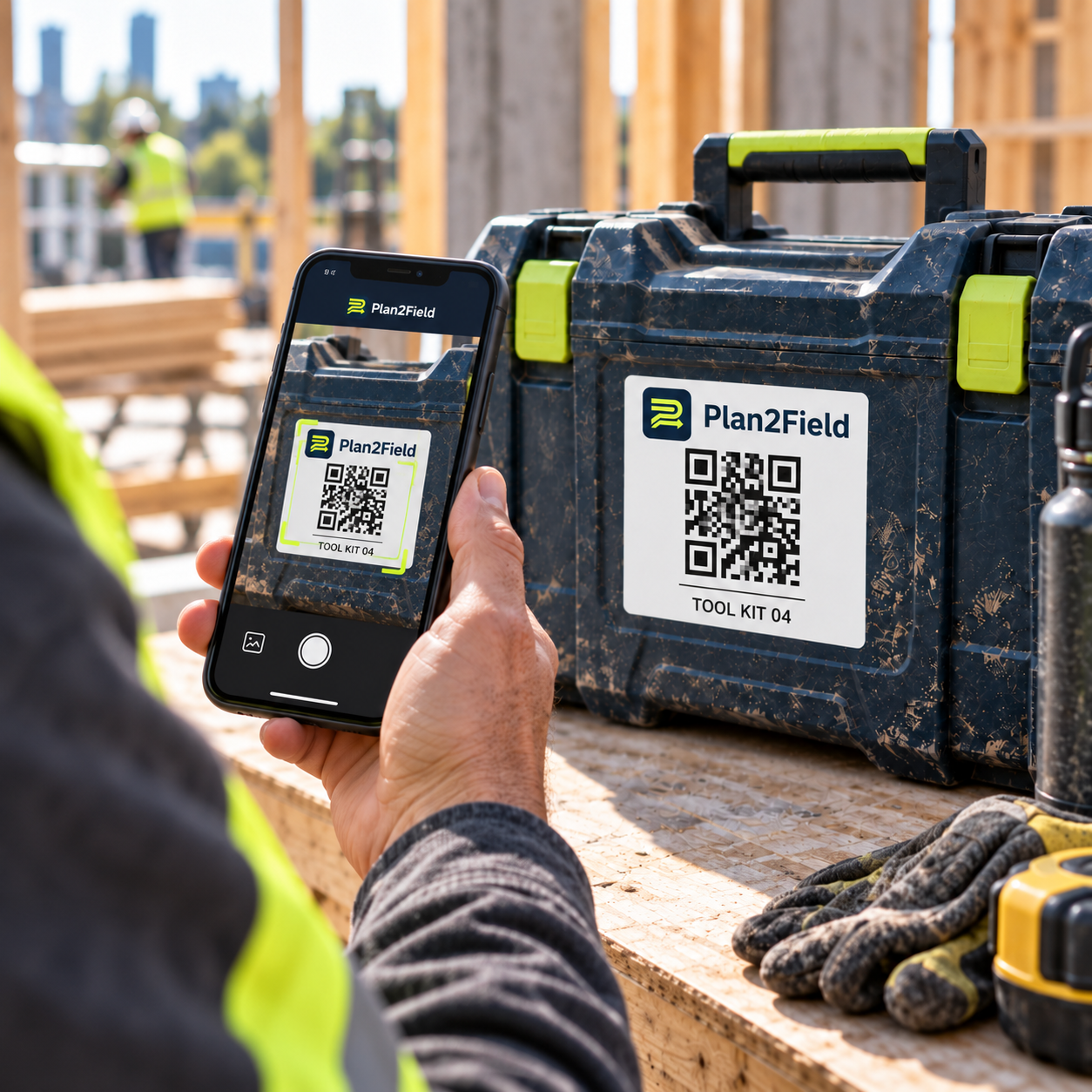
Plan2Field label design
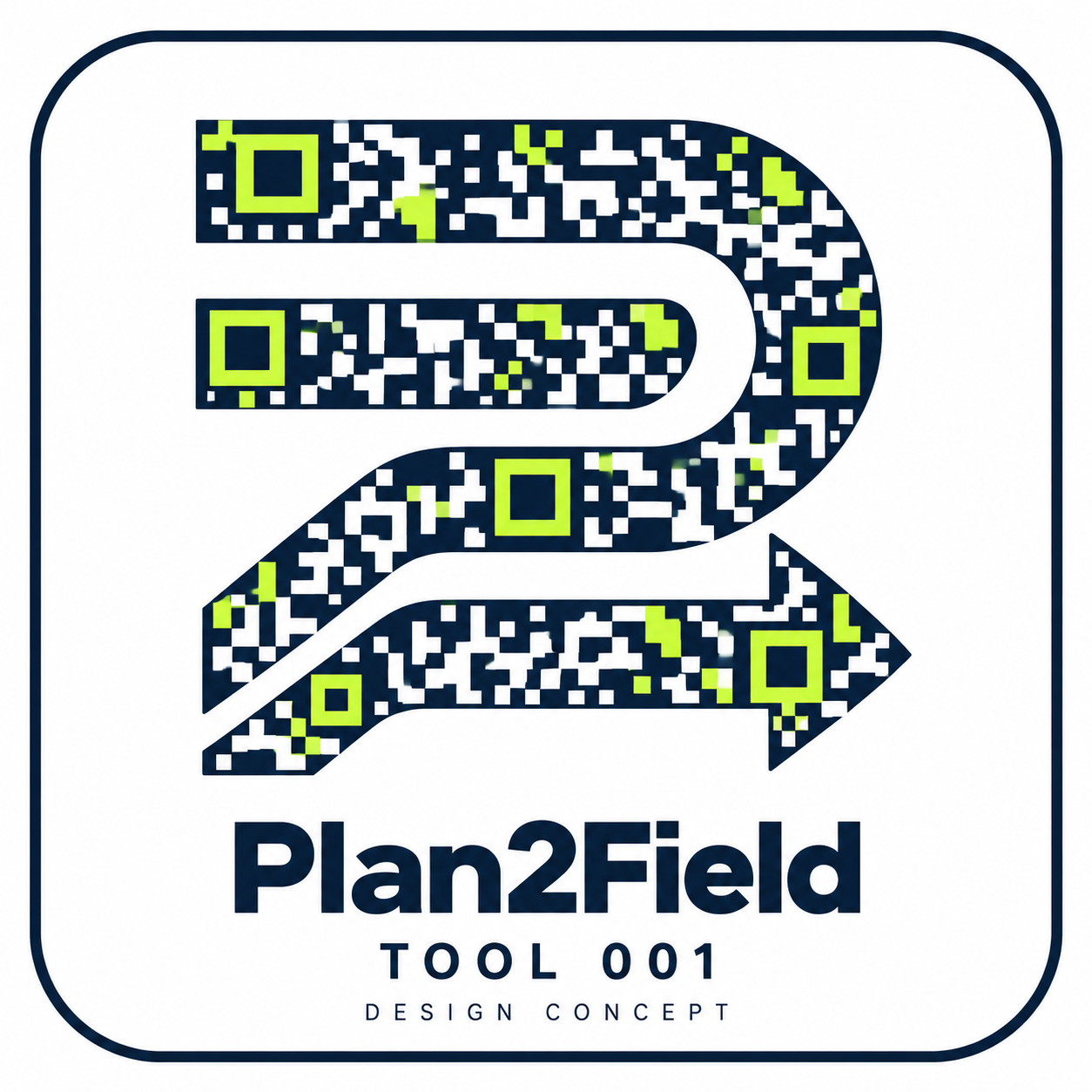
The logo-shaped pattern is a design concept. Functional labels must use a tested, scannable code; printed labels require a scan check.
START WITH ONE REAL PROJECT
Try the whole
PM-to-Field loop.
Bring one crew and a few activities into a 30-day free pilot. Check how the workflow fits your work before arranging a paid subscription.
- Create your account and confirm your email.
- Add a project and your first activity.
- Assign workers, prepare resources and release the work.
- Review the first day’s result with your crew.
BEFORE YOU BRING THE CREW
A few useful
answers.
Start with the capabilities available today.
Already have an account? Open the app →Is this only for concrete or carpentry?
No. Plan cleaning, painting, electrical, plumbing, finishes, landscaping and other construction work. Use an example or enter a custom activity and measurement unit.
Can I use my Microsoft Project schedule?
Yes. Export your schedule as XML for import. Excel and CSV schedules can also be reviewed before saving. Native .mpp files need export first; an imported percentage is not treated as measured field production.
Do workers need a computer?
No. They can use the web app on a phone. Installation instructions are available for supported phone and desktop browsers; Plan2Field is not an App Store or Google Play download.
What happens with a weak connection?
The app keeps supported progress drafts and queues photos while you work. Sync Center shows what is still pending. First access, new documents and server confirmation need a connection; a pending save is not a confirmed cloud save.
What is included in the QR package?
The offer includes tool labels with your first paid month. Confirm label quantity and shipping arrangements directly before payment. A free account alone does not trigger shipment. QR identifies the tool record; it does not provide GPS tracking.
Does creating an account start a paid subscription?
No card is collected at signup and there is no automatic checkout. The current offer is a 30-day free pilot; paid access and the physical QR package are arranged directly.
What can Plan2Field AI do?
When the app owner connects the AI service, Blueprint AI can propose a reviewable material takeoff and the contextual assistant can explain an authorized project record and point to the next action. AI cannot approve work, purchase material, close a safety item or change project records by itself. Manual takeoff and guided project answers remain available without AI.
Does “complete” mean technically inspected and accepted?
It records completion of the activity’s planned quantity. Inspection, testing and acceptance must follow your project’s procedures. Linked correction work is available; formal inspection approval is not automated.
START SMALL. FOLLOW THE WHOLE DAY.
Your next activity
is a good place to start.
Start your free pilot →
30 days free · Account, project, first activity.